

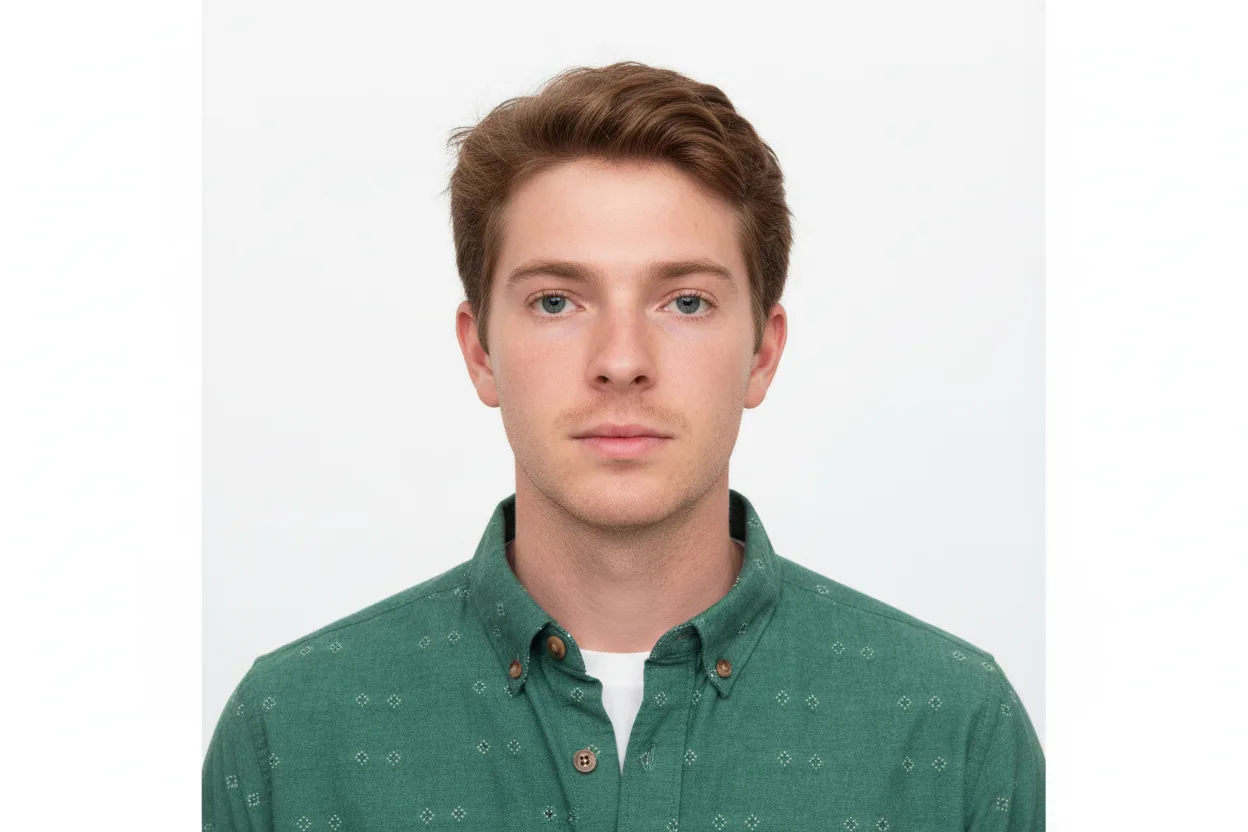
 Before
After
Before
After
ID photo
Passport, ID card and visa photos at the official size, with a plain background.
Learn moreA clean cut-out in one click
Upload a picture and the subject is detected and isolated automatically — hair and fine edges included. Keep the transparent cut-out, or place it on a plain colour or a new background.
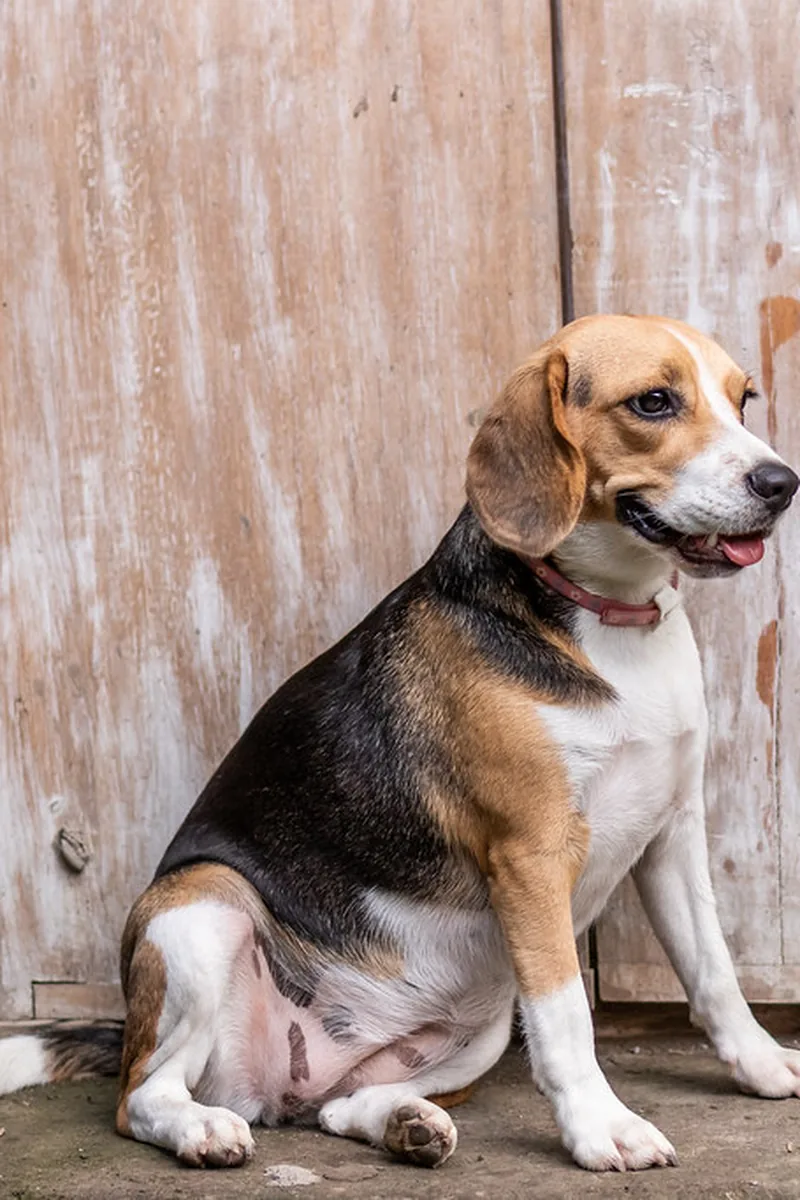
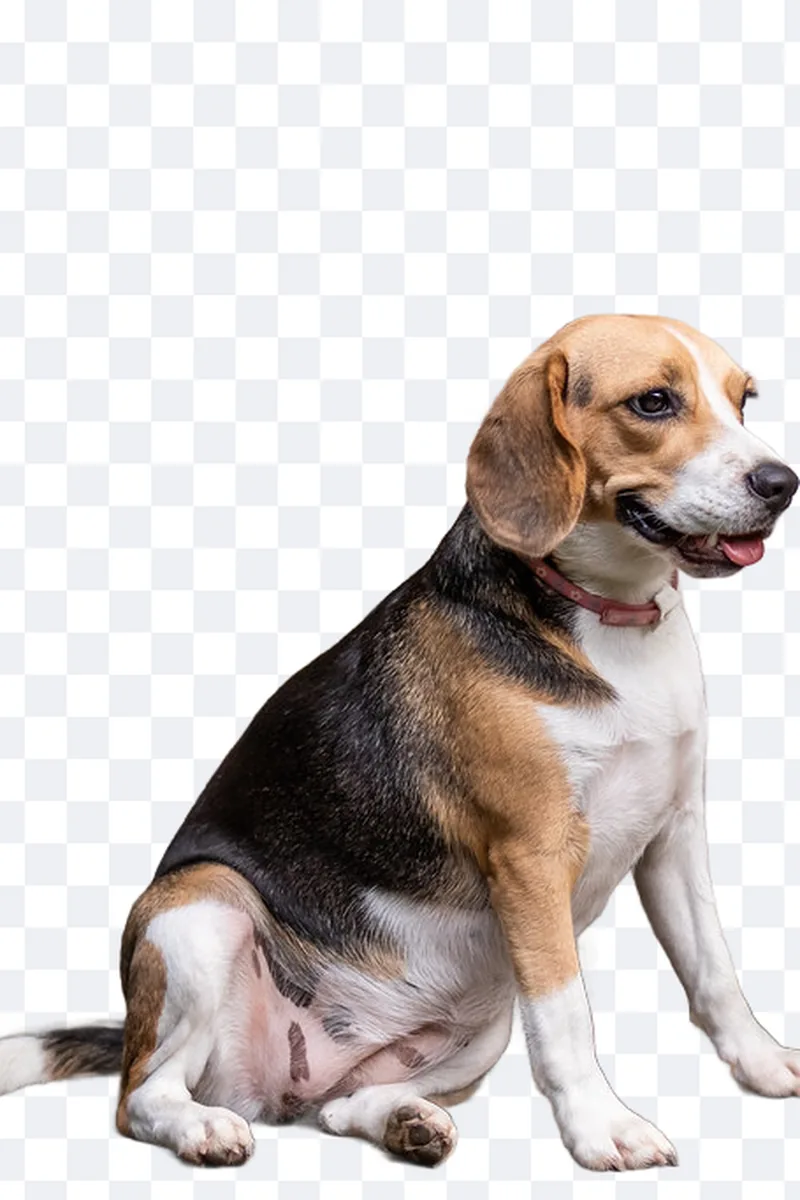
Upload the picture
Check the cut-out and choose the new background
Download a transparent PNG or a finished picture
Place the item on pure white as marketplaces require.
Swap a busy room for a plain light background.
Get a transparent version you can reuse anywhere.
The model is trained specifically on hair, fur and thin edges, so most portraits need no manual correction.
Yes. After the cut-out you can pick a colour, choose one of the proposed scenes or upload your own picture.
Yes. The export keeps the dimensions of the original picture.
Which pictures cut out well, what to check on hair and edges, and how to choose the new background.
Wall, light, distance, posture: how to shoot a picture the ID photo tool can turn into a compliant photo.
The five adjustments that fix most pictures, in the order to apply them.
Before
After
Passport, ID card and visa photos at the official size, with a plain background.
Learn more
 Before
After
Before
After
Studio-style portraits for LinkedIn, CVs and company pages, generated from a few selfies.
Learn more
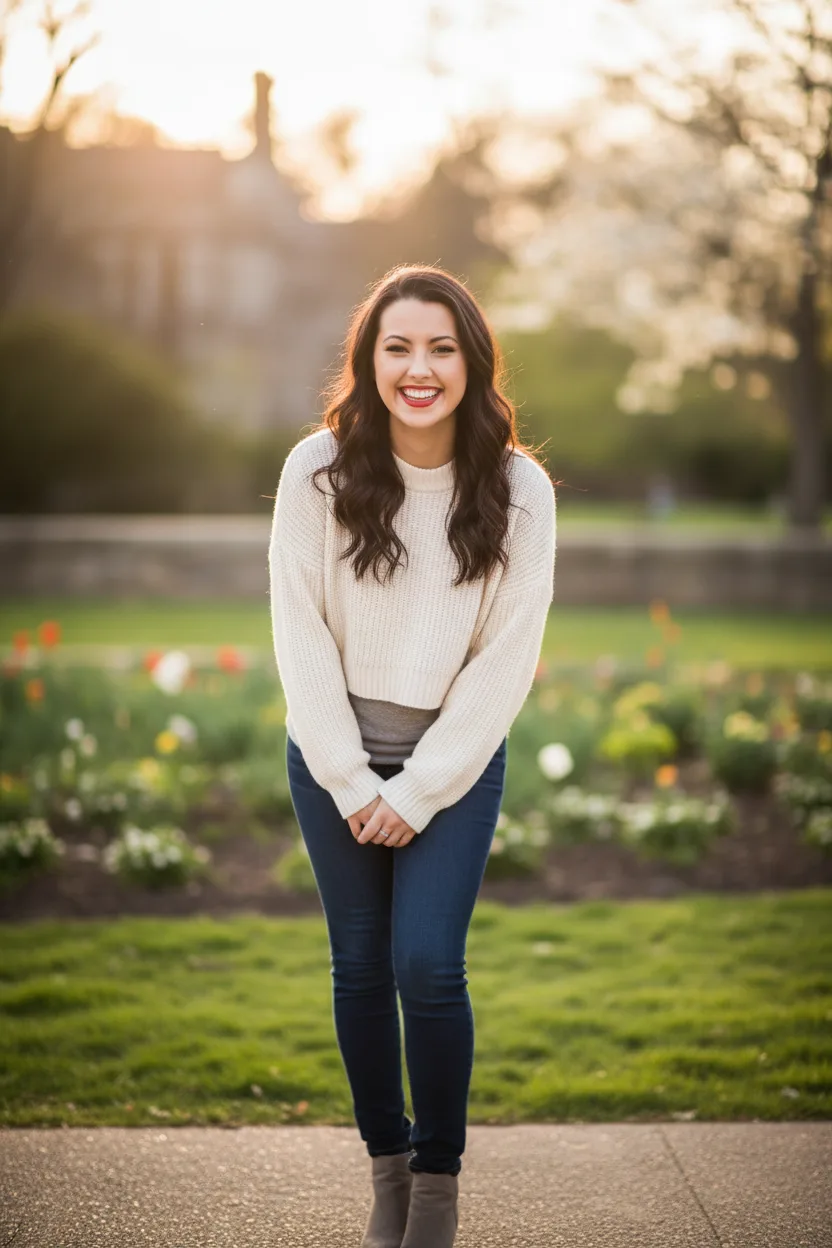 Before
After
Before
After
Natural, flattering profile pictures for dating apps, generated from your own photos.
Learn moreA clean cut-out in one click