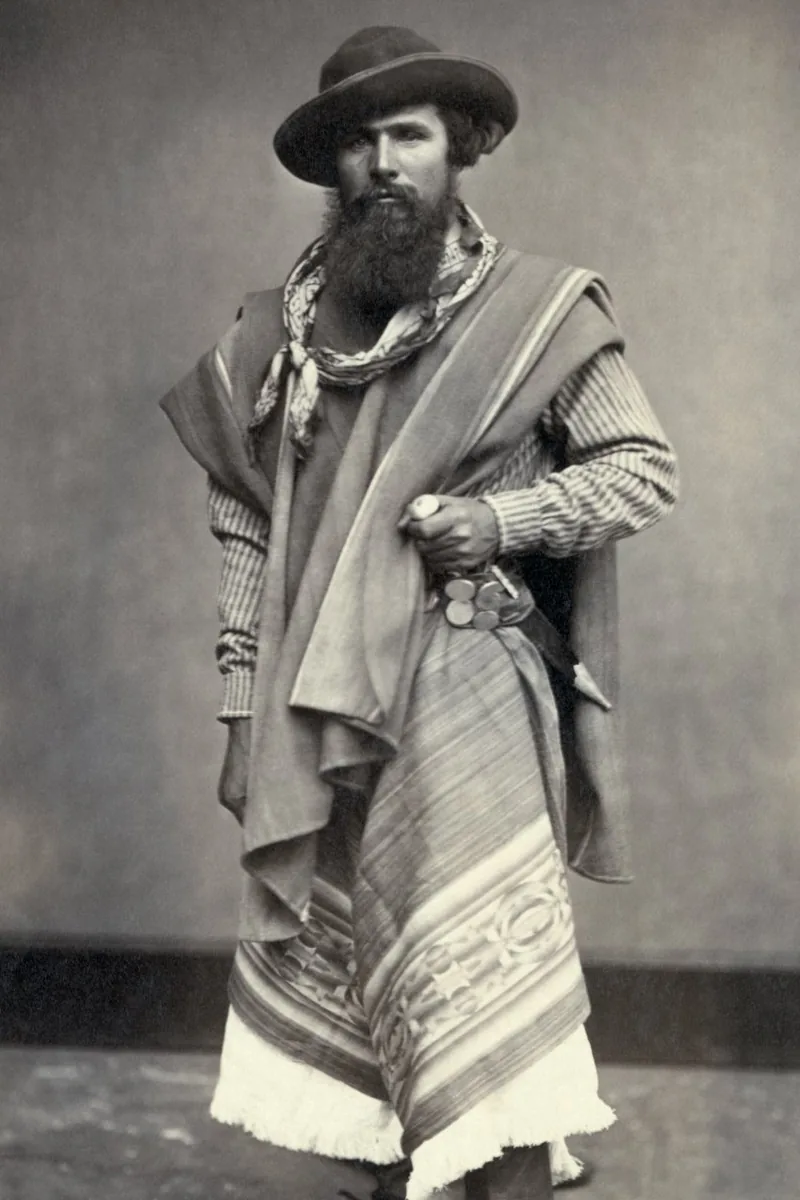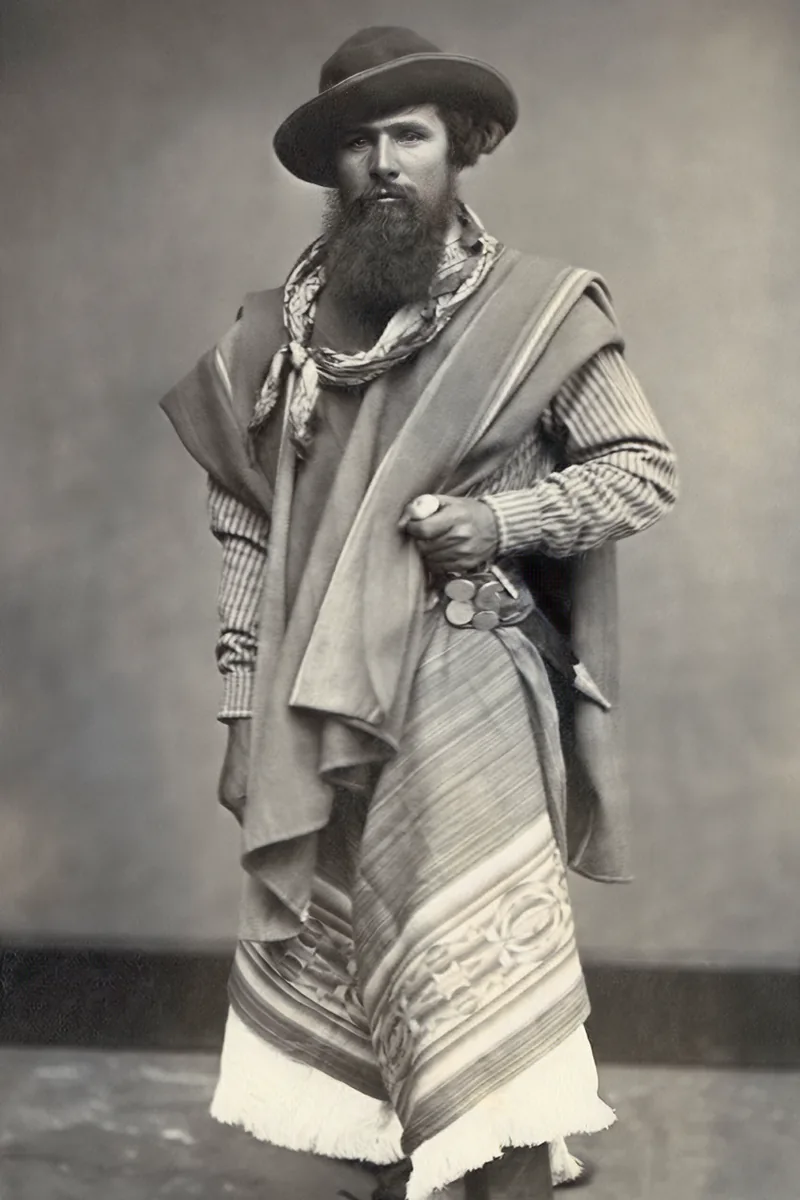
Not every blurry picture is blurry for the same reason, and the fix depends on the cause. This guide tells the main causes apart and explains what the photo enhancer can realistically bring back.
Four kinds of blur
Missed focus leaves the whole subject soft. Motion blur smears in one direction, from a moving subject or a shaking hand. Low resolution shows blocks and jagged edges when the picture is enlarged. Noise adds coloured grain in dark areas. A picture often combines two of them.
Sharpening and face restoration
The enhancer reconstructs edges and textures rather than just increasing contrast. On faces, a dedicated model brings back eyes, eyebrows and hair detail. Mild to moderate blur recovers well; a face reduced to a few pixels will be an interpretation, not a recovery.
Upscaling small files
Upscaling multiplies the pixel dimensions while inventing plausible detail. A 600-pixel picture from an old phone or a messaging app can become printable at 10 × 15 cm. Going beyond 4× rarely adds real information.
Noise and compression
Grain from low light and blocks from heavy JPEG compression are smoothed while edges are kept. Apply noise reduction before sharpening when both are needed, and compare with the slider: over-smoothed skin looks like plastic.
Checklist
- Identify the cause: focus, motion, resolution or noise
- Start from the largest original you have, not a screenshot
- Enhance faces first, then the rest
- Compare before and after at 100 %
- Upscale only as much as the print needs
Always start from the best original you can find — the file sent by the photographer rather than the copy saved from a chat. The enhancer can recover a lot, but it works from what is there.